Chatbot Branding and Customer Trust on Your Website
Review chatbot identity, accurate answers, human help, privacy, and usability. Use your own brand tag while keeping the assistant and its limits clear.
In this article
A visitor opens your chatbot and tries to answer three quiet questions: whose service is this, can I rely on the reply, and what happens if I need a person?
The company name in the chat window helps with the first question. The rest depends on the conversation and the service behind it.
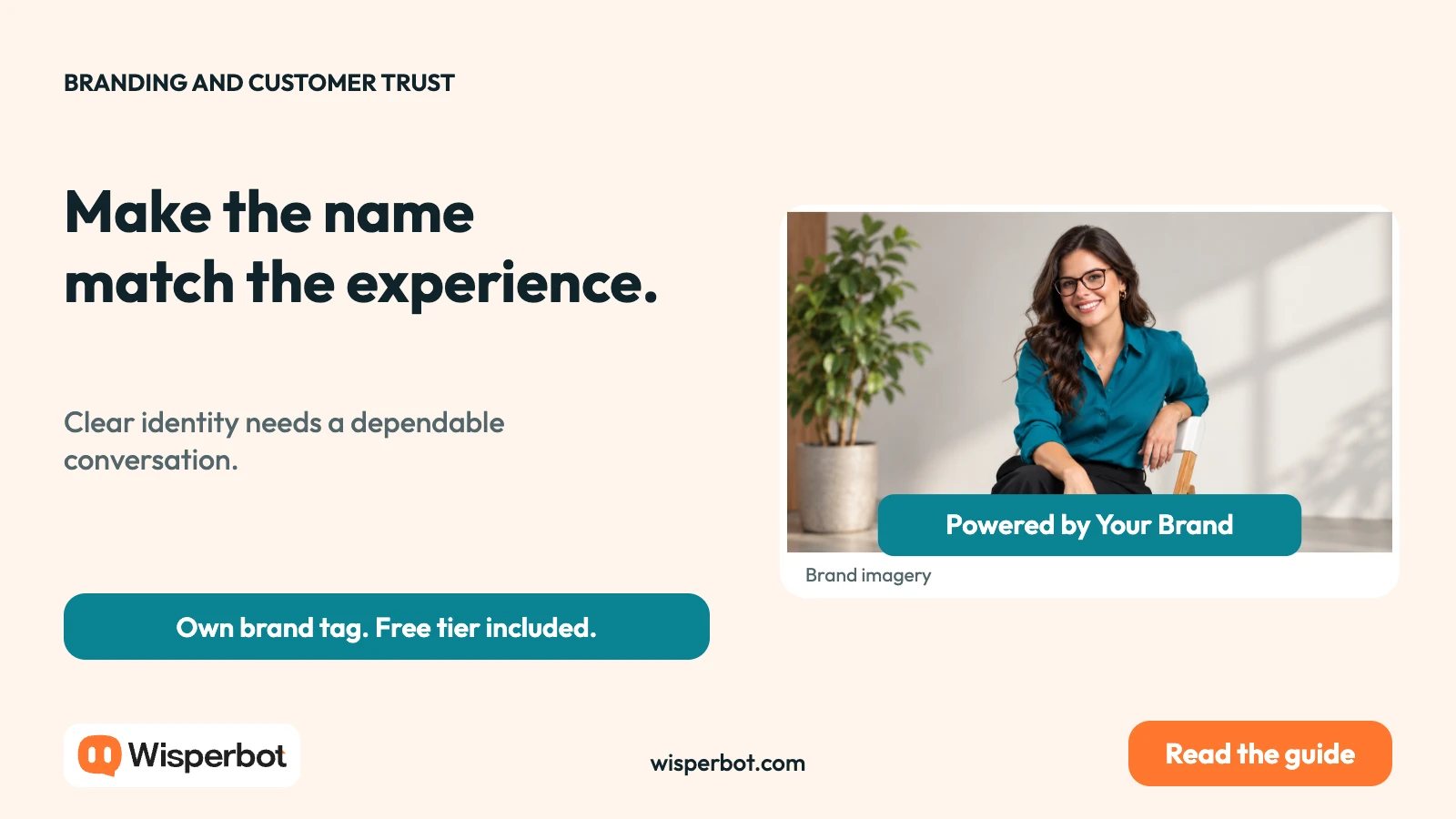
WisperBot lets you edit the chatbot's footer company name on every tier, including Free. The tag can read “Powered by Your Brand”. That gives a business control over a visible part of the customer experience without requiring an upgrade for the text change.
It is a useful detail. It should be part of a broader trust review, rather than treated as proof that the whole experience is dependable.
Make the business identity easy to understand
Use the same public name across the website and chat. If a visitor sees one brand in the header and another in the conversation, they may need to work out whether they have reached the right team.
Set the footer company name deliberately. In WisperBot, the field changes the name after “Powered by”. It does not remove the prefix or automatically include a custom launcher image, domain, or staff dashboard.
The wording should be easy to read at normal size. Avoid squeezing a long legal statement into a small company-name field. Keep the site's required business and privacy information accessible through appropriate pages.
Clear ownership also helps when an agency or developer configured the widget. The person who installed the software is not necessarily the brand the customer needs to see.
Be clear about AI and human help
Putting your company name in a chatbot does not require pretending that the bot is a person. A business can introduce its AI assistant plainly and still maintain a consistent voice.
Tell visitors what the assistant can help with. If it answers from business information, describe the scope in ordinary language. Avoid absolute promises such as “always accurate” or “handles every request”.
Make the human route visible. A customer with an account problem or an unusual request should understand how to reach staff and what to expect while waiting.
The handoff guide covers the operational details. Trust depends on the route working, not just on the welcome message offering it.
| Trust question | What a visitor should find | What the business should check |
|---|---|---|
| Who is helping me? | Recognisable business identity | Header, footer, and welcome agree |
| Is this AI? | Clear assistant identity | No false implication of human review |
| Where did this answer come from? | Relevant business information | Current sources and tested answers |
| Can I reach a person? | A usable next step | Staff ownership and availability |
| What information should I share? | A proportionate request | Only necessary details are collected |
| Can I use the interface? | Readable, operable chat | Mobile, keyboard, and zoom checks |
Let useful answers carry the reputation
A branded chatbot speaks under your name when it answers a question badly. That makes source quality more important, not less.
Review the business facts that matter. Delivery exceptions, service limits, refund conditions, and contact routes should be current and consistent. If two sources disagree, resolve the disagreement before relying on both.
Then test ambiguous questions. A bot that asks for a relevant missing detail can be more helpful than one that supplies a confident but unsupported answer.
Do not assume a friendly tone makes a statement trustworthy. A warm invented promise is still an invented promise. The brand-voice guide shows how to keep tone separate from factual permission.
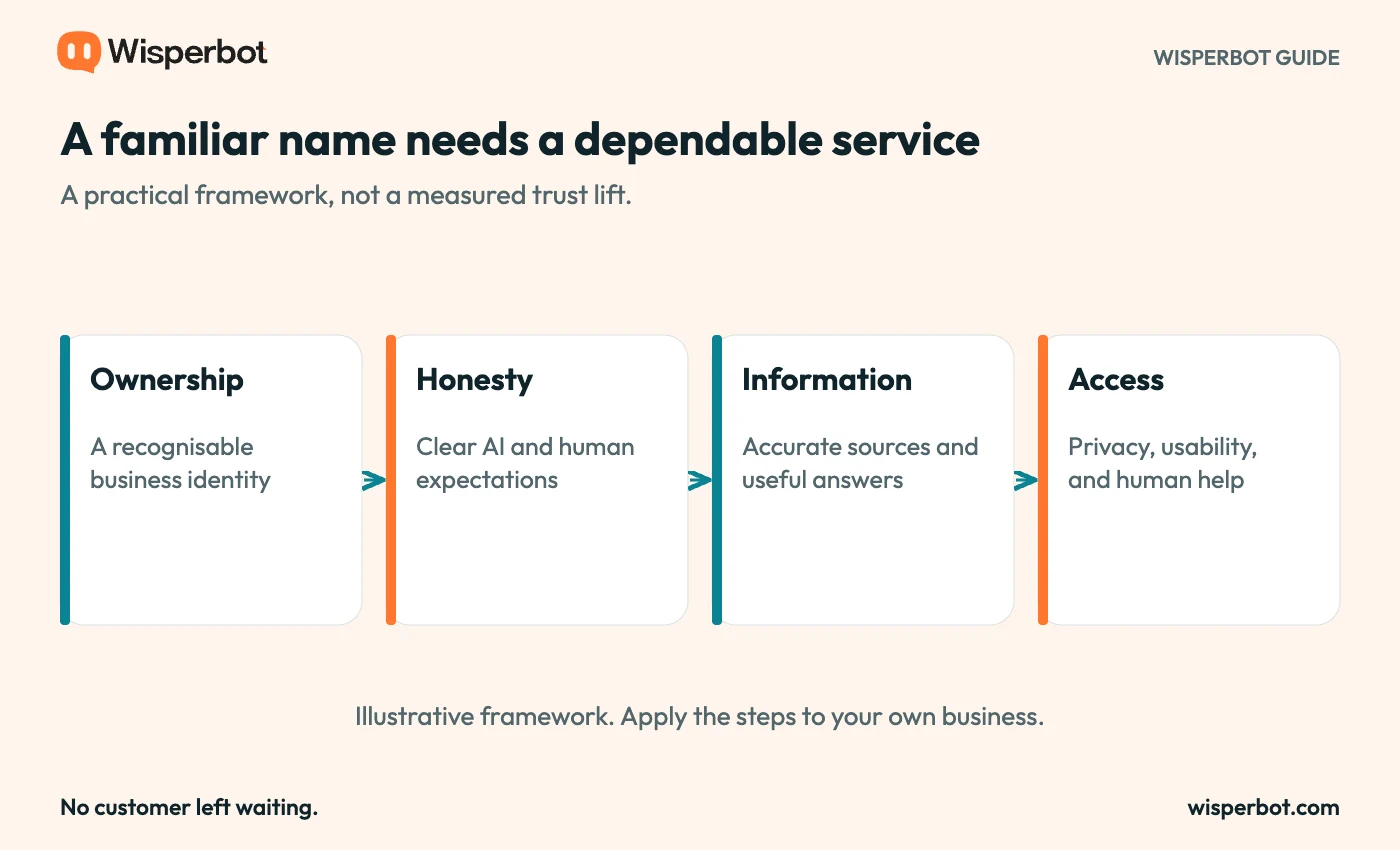
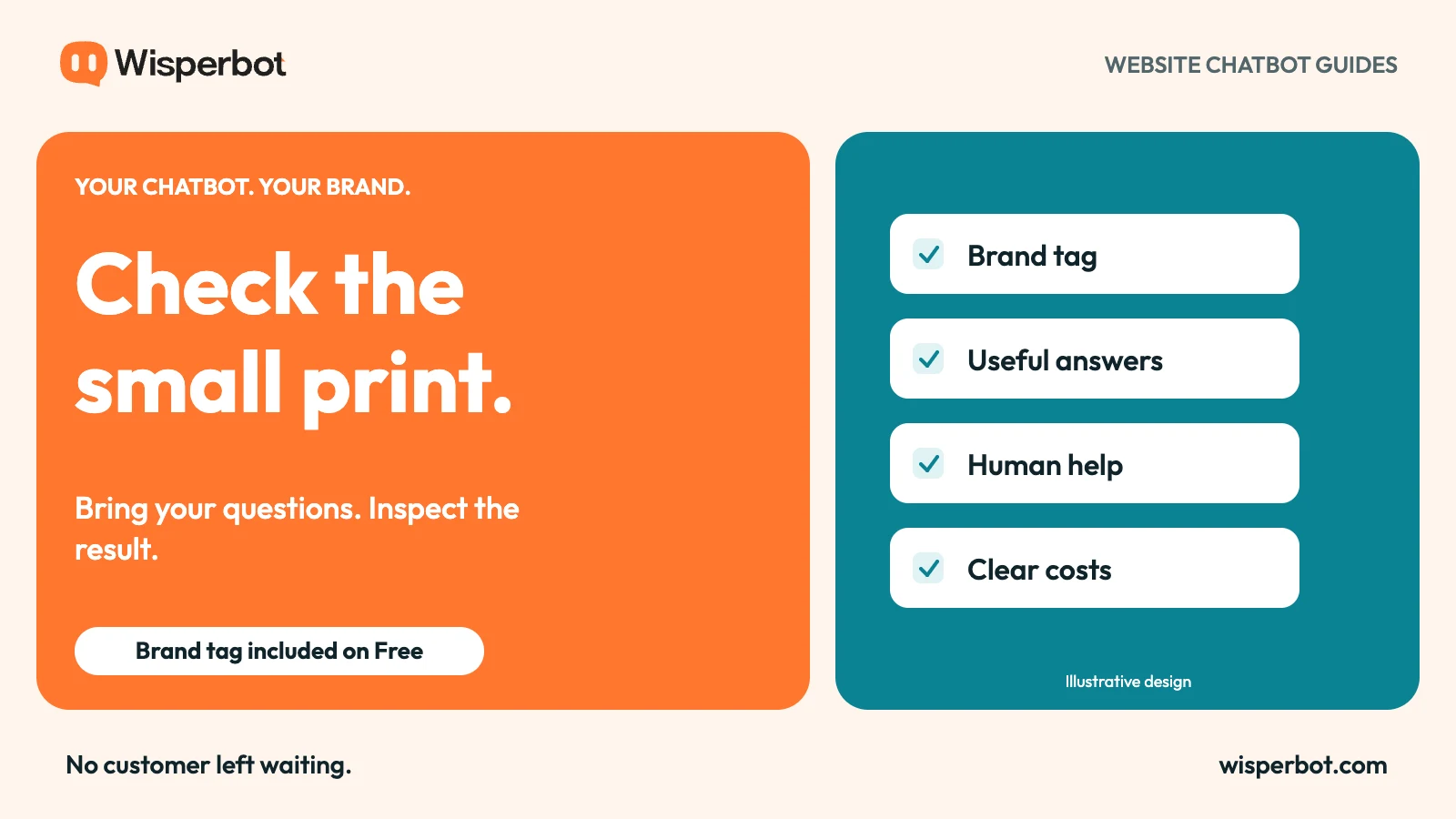
A practical review framework. These elements do not imply a measured trust increase or a compliance certification.
Ask for less information at the start
A visitor asking about opening hours should not need to provide a detailed personal profile first. Request information when it helps answer the question or arrange a requested follow-up.
For an account-specific issue, use the business's appropriate verification process. Do not encourage customers to paste passwords, payment details, or private documents into a casual chat exchange.
Explain why a detail is needed when the reason is not obvious. “Which area do you need delivery to?” makes the purpose clearer than an unexplained request for a full address.
Review the public privacy information with the person responsible for your business's data practices. A brand-name setting is not a substitute for that work, and it does not establish legal compliance by itself.
Check the interface where customers use it
Look at the widget on a phone, at a larger text size, and with keyboard navigation. Check whether the input, close control, and next steps remain understandable.
Colour choices need attention too. A colour that suits the brand may be difficult to read when used for small text or low-contrast controls. Test the actual combinations rather than approving them from a palette alone.
Avoid using the footer as the only place that identifies the business. Small text can be missed, especially on a narrow screen. The header, page context, and conversation should reinforce the same identity.
These checks do not amount to an accessibility certification. They are practical ways to find barriers before customers encounter them.
Review trust failures as service problems
When a customer becomes confused, identify the stage. Did the bot give the wrong fact? Did the customer think a person had joined? Did the handoff disappear into an unowned inbox?
Each failure needs a different fix. Updating a source can correct an answer. Changing the waiting message can correct an expectation. Assigning ownership can correct a missed follow-up.
Keep a record of those issues without turning private customer messages into public proof. If you publish a case study later, use permission and verified results rather than an invented testimonial beside a stock portrait.
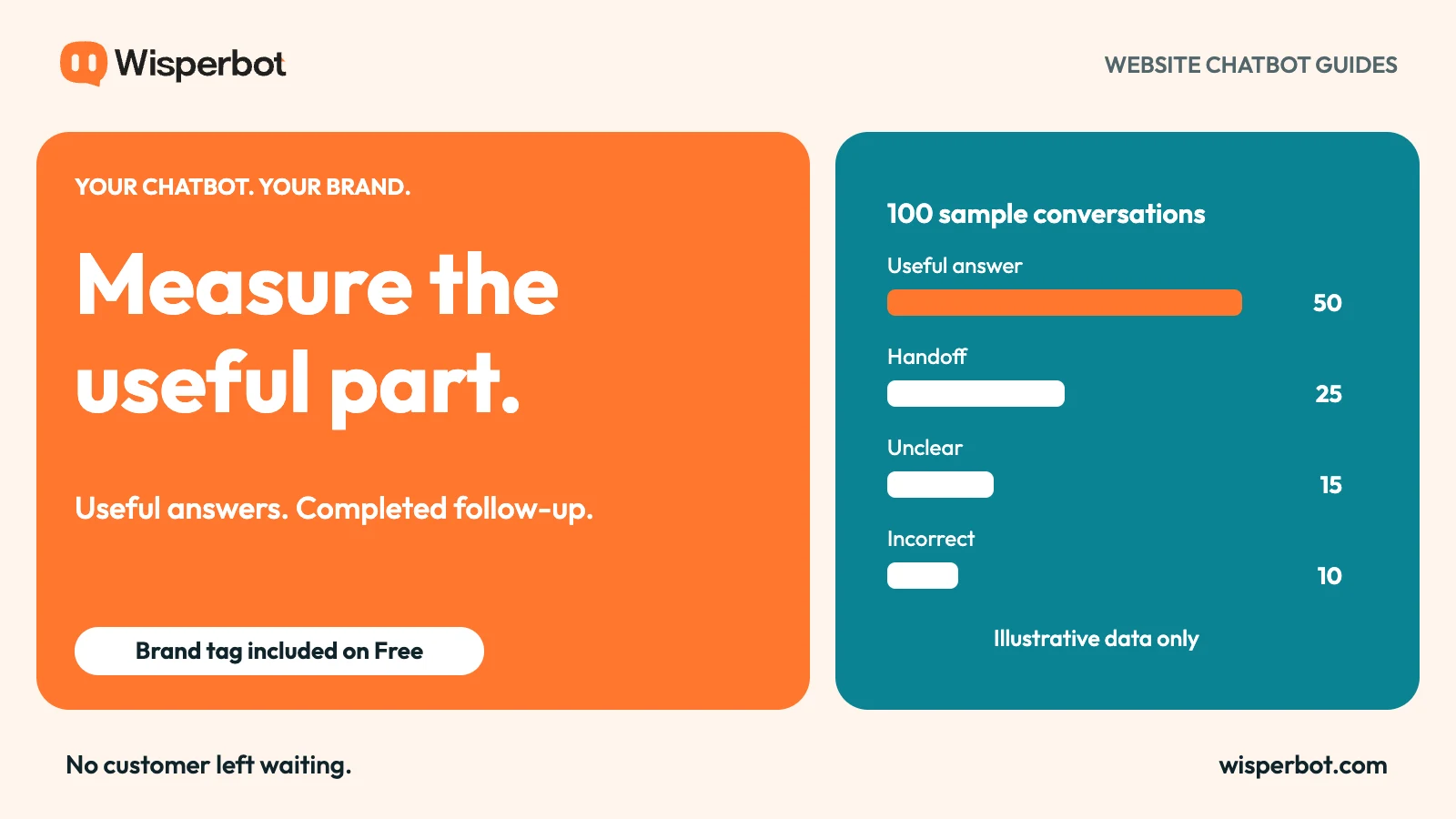
The measurement guide offers a way to track concrete outcomes. Treat the branded tag as the start of recognition and the service as the reason to return.
Questions about chatbot branding and trust
Does removing a supplier name guarantee customer trust?
No. A consistent company name can clarify ownership, but trust also depends on accurate answers, honest identity, privacy, usability, and follow-up.
Can I show my brand while saying the assistant is AI?
Yes. Those statements serve different purposes and can sit comfortably together. Your company owns the customer relationship; AI describes how the initial reply is provided.
What can I change in the WisperBot tag on Free?
You can edit the footer company name. The website widget displays that name after the standard “Powered by” prefix on every tier.
Start with a WisperBot website chatbot that clearly introduces your business. Then test whether every part of the conversation earns the name it carries.