A Branded AI Support Chatbot for a Growing SaaS
Build a focused SaaS website support pilot with your own chatbot tag. Keep documentation current, test account boundaries, and provide human help.
In this article
A new user opens your product documentation and asks where to find a setting. They do not need a sales pitch. They need the right instruction for the version and plan they are using.
For a small SaaS team, a chatbot can help with that first question while keeping human support available for problems that need investigation. The chat window should also belong visually to the product around it.
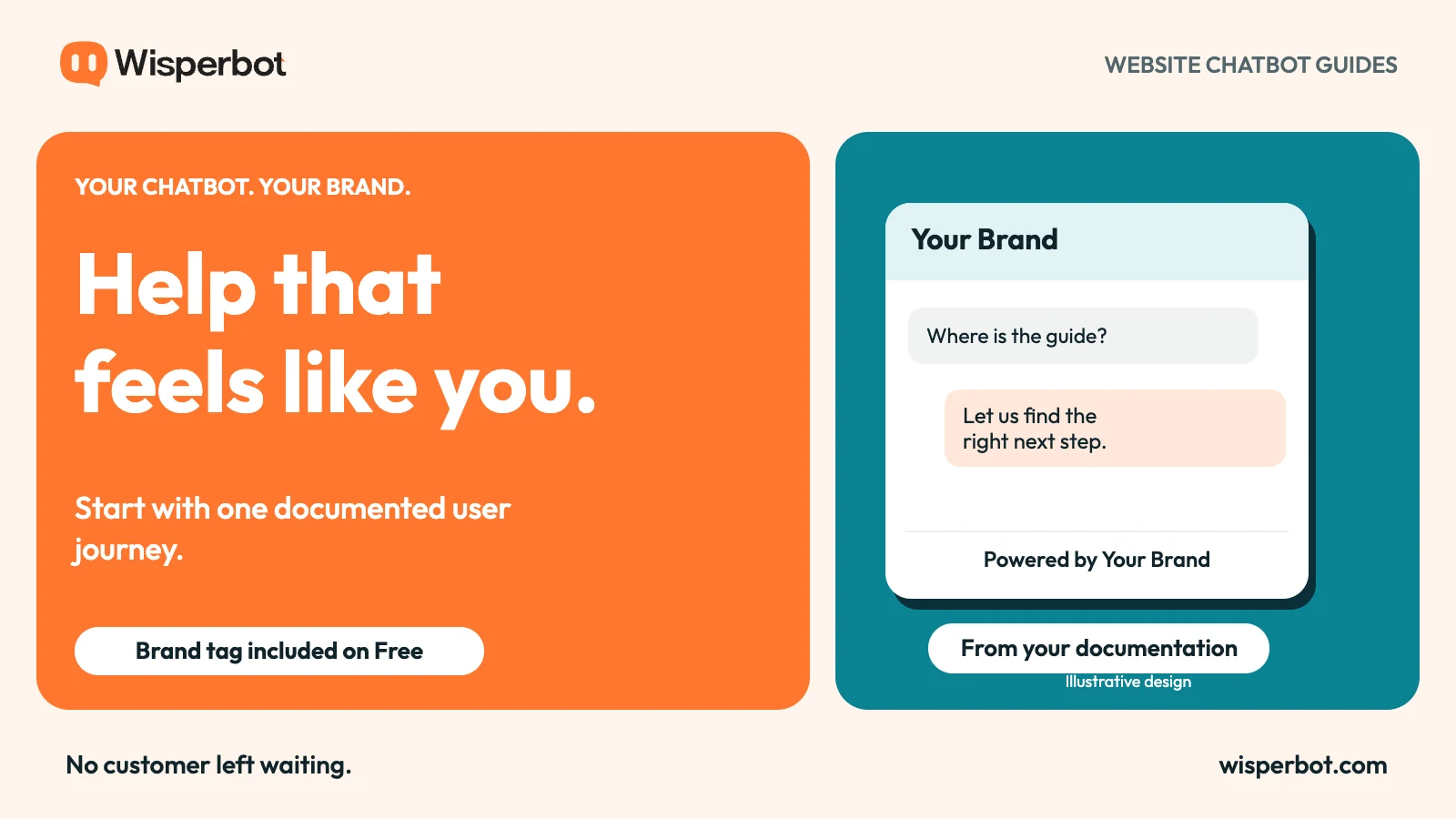
WisperBot lets you change the chatbot's footer company name on every tier, including Free. You can show “Powered by Your Brand” while evaluating a website support bot. This guide concerns that website experience, not a claim that an in-app SDK has been deployed.
Choose one part of the user journey
Early SaaS support tends to mix different jobs. A visitor asks about pricing. A new user needs setup help. A long-time customer reports a broken workflow. These requests should not all receive the same answer strategy.
Pick a starting point with clear documentation. First-time setup is often easier to evaluate than account-specific troubleshooting because the source material can describe a known sequence.
For example, a bot might help a user locate an import guide, understand file requirements, and find the next documented step. It should not claim to have inspected the customer's account unless an authorised integration actually provides that information.
Write the chosen scope in plain language. “Help users find and follow the import documentation” gives the team a clearer test than “resolve onboarding”.
Treat documentation as product behaviour
A support bot exposes gaps that people can sometimes work around. A teammate may remember that a menu was renamed last week. A document-based answer may still quote the old name.
Check the sources before expanding the bot's reach. Remove duplicate instructions, identify plan-specific steps, and make prerequisites visible. If an action needs administrator access, say so near the instruction.
Keep a named owner for the knowledge. When a release changes a workflow, updating the guide and retesting its questions should be part of the same work.
This is also why a branded bot deserves careful boundaries. It carries your product name when it provides an obsolete instruction. The footer can be changed in seconds; the maintenance process needs continued attention.
| Support topic | Useful source | When a person should join |
|---|---|---|
| Finding a feature | Current navigation guide | The feature is missing from the account |
| Initial setup | Prerequisites and step-by-step help | Setup repeatedly fails |
| Plan availability | Current plan documentation | An entitlement looks incorrect |
| Error investigation | Approved troubleshooting guide | Logs or account access are needed |
| Security concern | Published reporting route | Any account compromise is suspected |
Keep the branded introduction honest
Use the product name customers already recognise. In WisperBot, Footer company name changes the name after “Powered by” across all tiers. It does not imply that the staff dashboard or every software surface has been rebranded.
Then explain what the bot can help with. A short welcome such as “Ask about setup or finding a guide” sets a useful expectation. Avoid giving it a human job title if that would make users think a staff member has personally reviewed their account.
Clear AI identity is compatible with strong branding. A product can say “our AI assistant” and still sound like itself. The important promise is helpful support, not a hidden distinction between software and people.
For more on that distinction, see branded AI and human handoff.
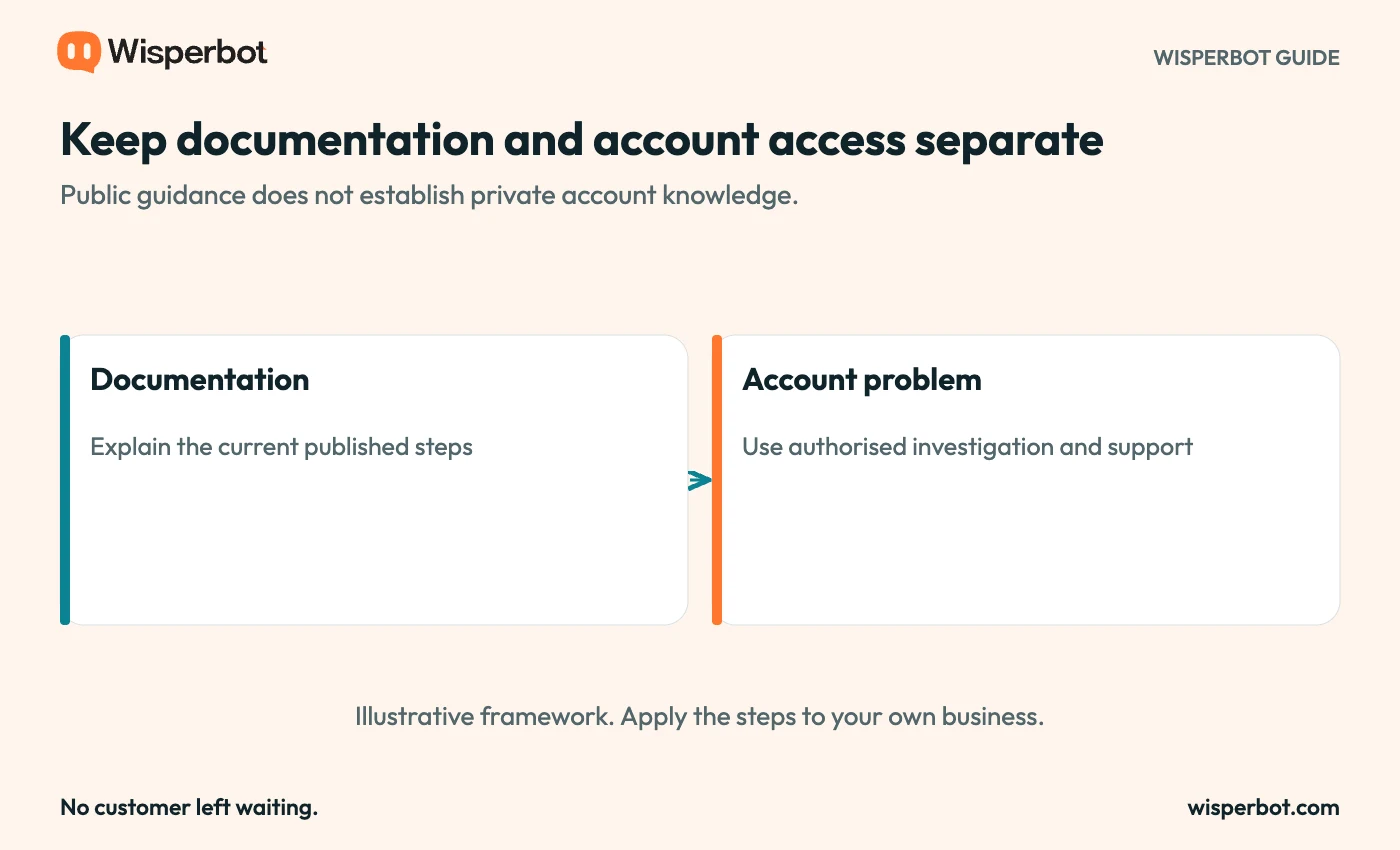
A recommended support boundary. No access to private SaaS account data is implied.
Test beyond the happy path
Use questions from your support history after removing personal details. Include the short, incomplete messages users send when they are stuck, not only polished questions copied from the documentation headings.
Ask about an old feature name and a current one. Test a step that depends on a paid plan. Ask the bot to perform an action it cannot perform, such as changing an account setting.
A useful answer can point to the documented setting and explain who can change it. It should not say the change is complete when it has only described the process.
Also ask for a person. Confirm that the human route explains what information will help, without requesting passwords or other secrets. The team should receive enough context to continue the investigation.
Separate website chat from in-product integration
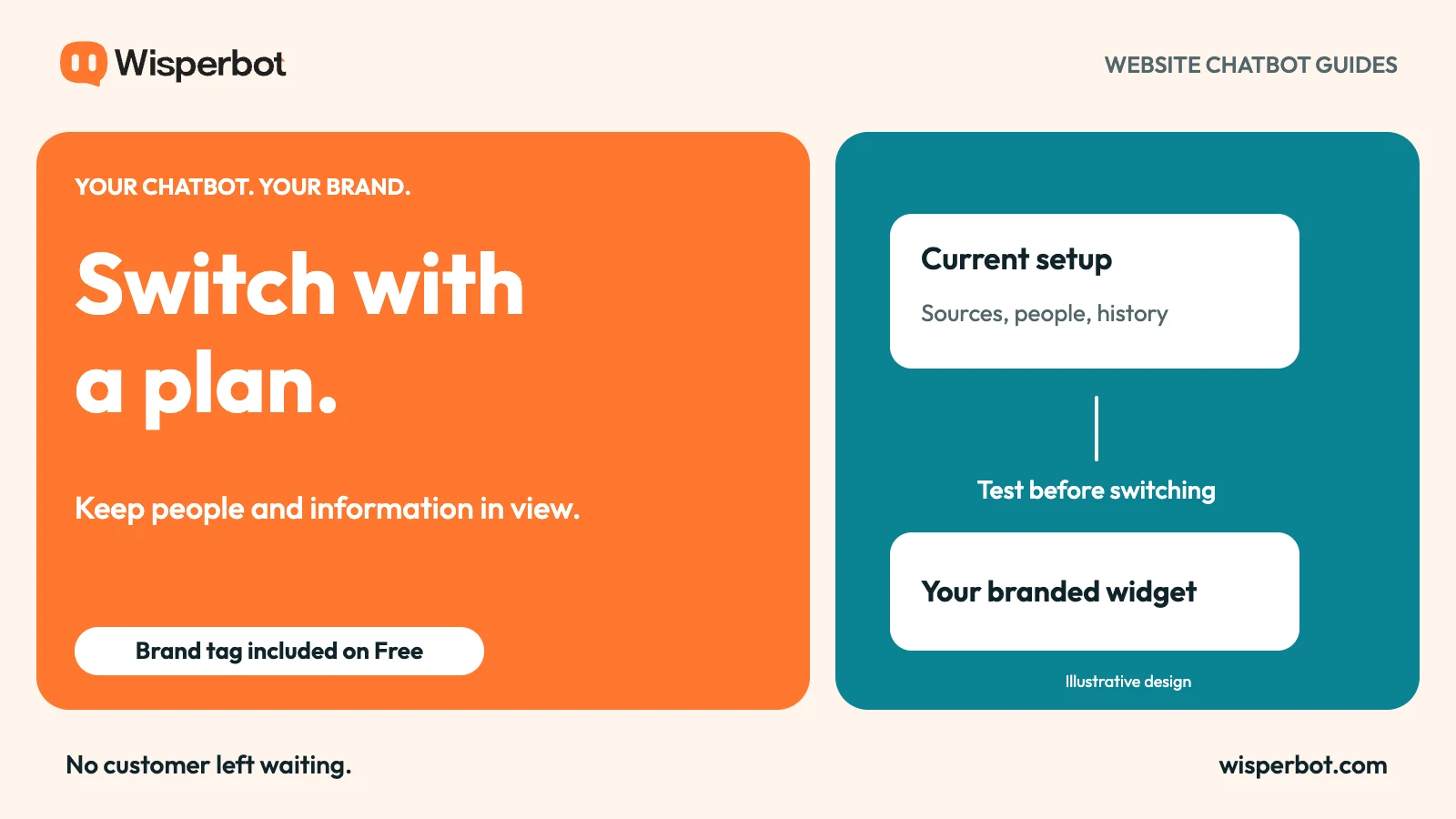
A website widget and a customer-app SDK are different deployment surfaces. A working website embed does not prove that chat works inside a mobile app, and server-side tests do not establish that a customer SDK release has shipped.
Start with the surface you can verify. If the pilot is on a documentation site, test that site on the browsers and screen sizes your users rely on.
If the team later adds chat inside an authenticated product, plan identity, permissions, history, and rollout separately. A footer-name setting does not settle those engineering decisions.
Keep the scope equally clear in marketing. “Your brand tag on website chat” is a precise statement. “Every support surface fully rebranded” is a much broader claim that needs its own evidence.
Look for fewer dead ends
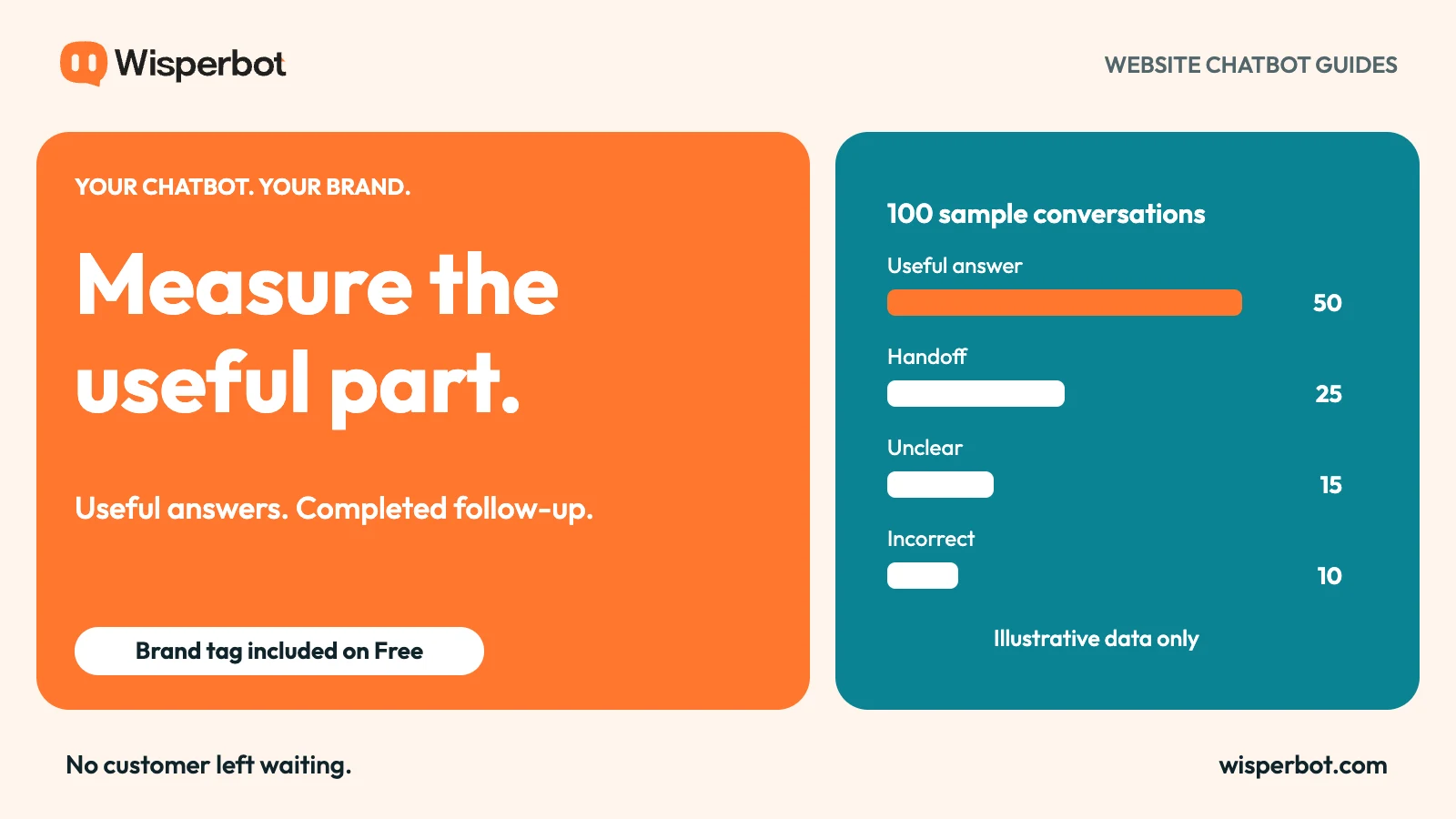
The first useful measure may be whether users reach the right guide, not whether the bot appears to “resolve” a conversation. Define what success means for the chosen job.
For a setup pilot, you could review whether the answer identified the right prerequisite and next step. Track incorrect instructions separately from questions the bot correctly handed to a person.
Do not classify a quiet conversation as a successful resolution merely because the user stopped replying. They may have completed the task, given up, or switched channels. A small follow-up sample can reveal what the silence actually means.
Use the chatbot measurement guide to build a review that distinguishes those outcomes.
Questions SaaS teams ask
Can the free pilot carry our product name?
Yes. WisperBot's website widget lets you edit the footer company name on every tier, including Free. The standard “Powered by” prefix remains.
Will it know what is happening in a user's account?
Not from public documentation alone. Account-specific answers need suitable integrations, authorisation, and an implementation that has been verified for that purpose.
Should we replace our human support route?
Keep a clear route to people. Documentation questions and account investigations have different needs, and users should not have to argue with a bot to reach the team.
Start with a WisperBot website chatbot on one documented journey. Give it your brand tag, keep its sources current, and judge it by whether users find the next useful step.