A Branded Ecommerce Chatbot for Questions Before Checkout
Help shoppers with delivery, returns, and product questions under your own chatbot brand tag. Plan knowledge, live-data boundaries, and human support.
In this article
“Does this arrive before Friday?” is a small question with a practical consequence. A shopper needs an answer before deciding whether to order. If the answer is buried in a long policy page, they may open the chat window instead.
That window is part of the shop. Its name, tone, and answers should feel connected to the site the shopper is already using.
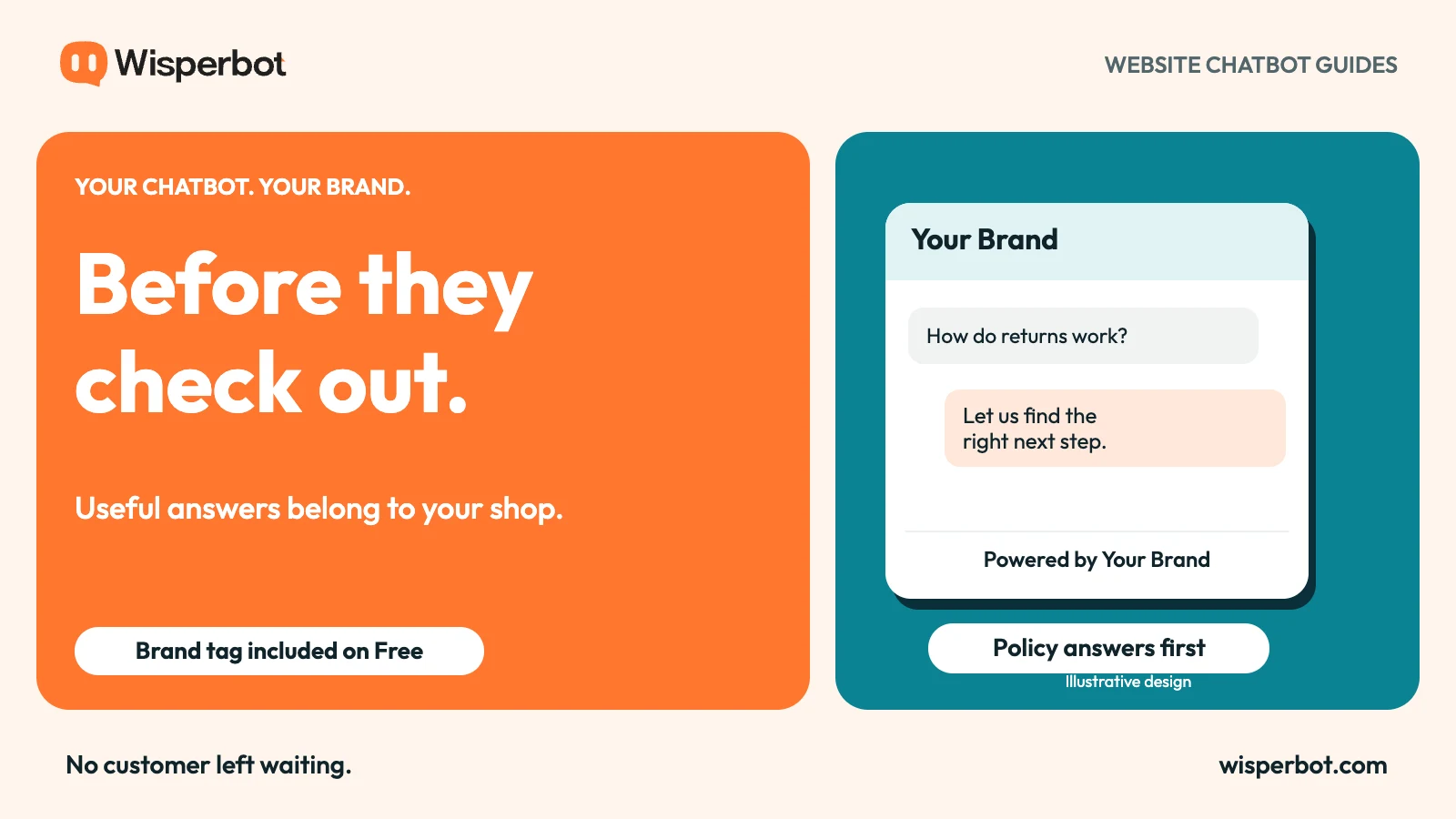
WisperBot lets a store change the chatbot's footer company name on every tier, including Free. The tag can read “Powered by Your Brand”. Pair that branded introduction with clear product and policy information, and the bot has a useful role before checkout.
Start with buying questions you can answer reliably
Not every ecommerce question needs access to an order system. Customers also ask about delivery areas, returns, materials, sizing guidance, and how to reach the team.
These questions are good candidates for a focused first setup when the store has current, approved information. Gather the source pages and check their consistency before asking a bot to use them.
Do not assume that a product description settles every buying question. “Suitable for outdoor use” may need a more precise explanation. A size guide may omit how a particular product fits. Missing information should become a content task rather than an invitation for the bot to guess.
Pick a small group of questions first. A reliable answer to a common delivery question is more useful than broad coverage that sounds confident but contains exceptions the store never approved.
Separate published policies from live facts
A return policy and a stock count have different lifetimes. The policy might remain valid for months. Availability can change between a customer's first message and checkout.
Treat these as separate information problems. Published policy content can support policy answers. A live stock or order answer requires an appropriate connected source and permissions. Do not infer that a bot can see the latest inventory simply because it has read a product page.
The same caution applies to discounts and arrival dates. A bot should not invent an offer or turn an estimated delivery range into a guarantee.
| Shopper question | Information required | Sensible boundary |
|---|---|---|
| Where do you deliver? | Current delivery policy | Explain listed areas and exceptions |
| Can I return this item? | Return policy and relevant conditions | Escalate an individual dispute |
| Is this size in stock now? | Current product availability | Do not guess from old content |
| Where is my order? | Authorised order information | Verify the customer's access |
| Can you make an exception? | A staff decision | Hand over to a person |
Make the first screen sound like your shop
A useful welcome message explains the help available. “Ask about delivery, returns, or product details” tells a shopper more than a grand claim about an intelligent shopping assistant.
Use the business name customers know in the header and footer. WisperBot's editable tag changes the company name after “Powered by”; it does not remove the prefix or include every other branding feature.
Keep the tone consistent with the store. A friendly homeware brand can sound warm without adding an exclamation mark to every reply. A specialist equipment shop can be precise without turning a simple question into a manual.
The brand-voice guide explains how to separate tone from factual rules. It is worth doing that work before adding a large collection of instructions.
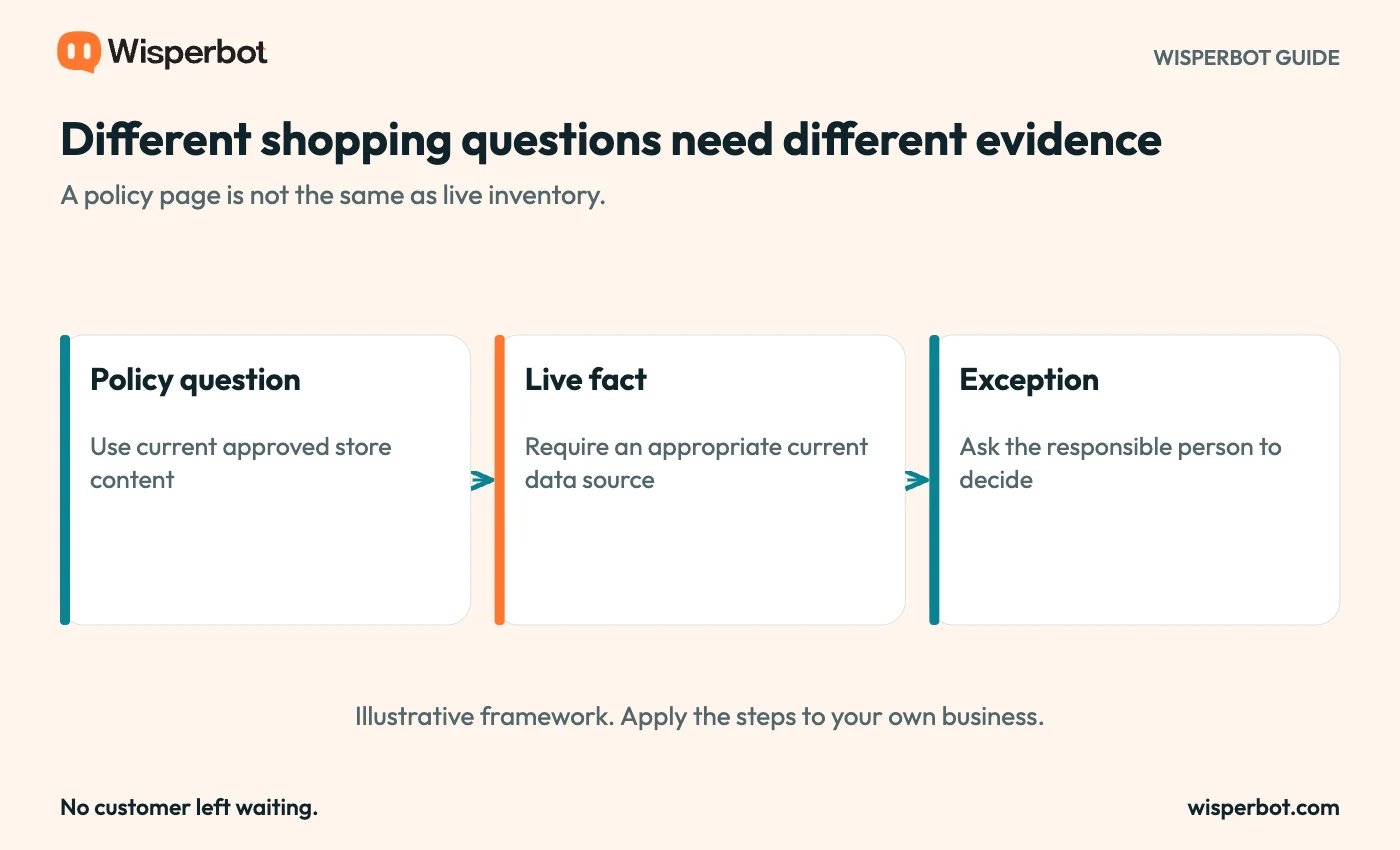
Questions should follow the information they need. The diagram does not claim that all store integrations or live lookups are available on Free.
Design the handoff around the purchase
Some conversations become more useful when a person joins. A shopper may need advice about an unusual use, a damaged item, or a request outside the written policy.
The bot should explain the handoff plainly and avoid asking the shopper to repeat information unnecessarily. Give the team a way to see what was asked and which answer was already provided.
Opening hours matter here. If the shop is closed, say when the team normally replies rather than suggesting someone is about to join. AI availability and staff availability are different promises.
Also review the information you request. A general product question rarely needs a full address or order history. Keep account-specific support within a suitable verification process rather than asking customers to post sensitive details casually.
Test the questions that could cause a complaint
Before launch, write a short set of awkward questions. Ask about an excluded delivery area, a return outside the usual period, and a product that is not in the knowledge source.
Include an ambiguous request such as “Will this fit?” The bot should ask a useful clarification if the source supports one, not assume which item or size the customer means.
Read the answer from the shopper's point of view. Does it distinguish a policy from a promise? Does it explain the next step? Does it avoid implying that a suggested reply button has placed an order?
WisperBot's reply choices are suggested customer text. They help continue a conversation; they should not be presented as completed purchases, approved refunds, or confirmed bookings.
Measure the conversation before crediting the sale
A chat that happens before checkout is not proof that the chatbot caused an order. Some shoppers would have purchased anyway; others may return later or buy through another route.
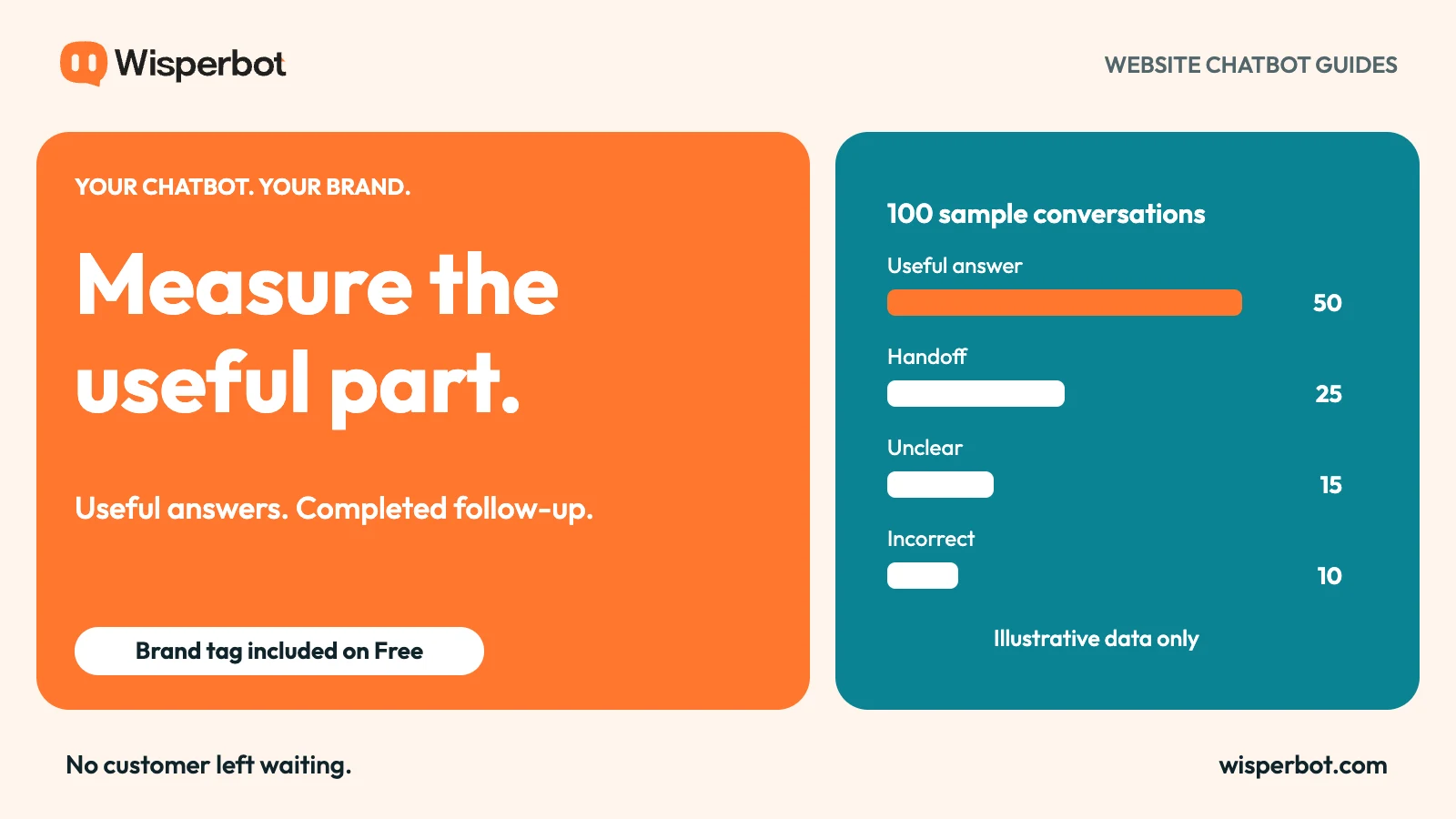
Start with measures you can define clearly: which questions were answered, which needed staff help, and which replies were wrong. If you connect chat activity to purchases, document the attribution window and the limits of that connection.
Compare similar periods and check for changes in promotions or traffic. A sale campaign can raise both chat volume and orders without showing that one caused the other.
The measurement guide includes a small worked example. Use it to build your own review rather than borrowing a conversion claim from another store.
Questions about ecommerce chatbot branding
Can a new shop use its own footer tag for free?
Yes. WisperBot allows the footer company name to be edited on Free and paid tiers. Customers see the chosen name after “Powered by”.
Does a branded chatbot automatically know stock and order details?
No. Those answers need appropriate data sources, integrations, and access controls. A branded appearance does not provide live information by itself.
What should the first version cover?
Choose a few frequent questions backed by current store content, then test the exceptions. Add more scope after reviewing where shoppers still need help.
Build your first website chatbot around a real buying question. Put your name in the tag, supply the information behind the answer, and give the shopper a clear next step.