WhatsApp Business App vs Cloud API vs Coexistence: Complete Guide
Understand the differences between the WhatsApp Business app, Cloud API and Coexistence—including team access, automation, migration and the best option for each business.
September 18, 20267 min readBy WisperBot
In this article
Short answer: The WhatsApp Business app is simplest for a small business replying manually from phones and linked devices. The WhatsApp Cloud API is designed for software-connected, multi-agent messaging, automation and integrations. Coexistence can let an eligible business keep using its WhatsApp Business app while connecting the same number to supported Cloud API workflows.Last verified: September 18, 2026. Meta changes eligibility, pricing and capabilities frequently; confirm current availability for your country, number and provider before migration.
WhatsApp Business App vs Cloud API vs Coexistence
CAPABILITY | BUSINESS APP | CLOUD API | COEXISTENCE Primary user | Solo operators and small teams | Growing teams and software-connected operations | Businesses needing app continuity plus API workflows Interface | WhatsApp mobile, web and desktop apps | Requires connected software | Business app plus a connected platform Team access | Limited by linked-device rules | Controlled by the connected team inbox | App users and platform agents, subject to Meta rules Automation | Basic app tools | Webhooks, bots, workflows, templates and integrations | Supported app use alongside API automation Best reason | Simplicity | Scale and control | Preserve app operations during API adoption
What is the WhatsApp Business app?
The WhatsApp Business app is a free-to-download mobile application created for small businesses. It adds a business profile, catalog, labels and basic messaging tools to the familiar WhatsApp interface.WhatsApp supports linked devices, allowing the account to be used from web, desktop and other eligible devices. Standard limits and feature availability can vary, with expanded options available under certain subscriptions.
The Business app is usually enough when:
• One owner or a very small team answers messages.• Conversation volume is manageable manually.• You do not need complex assignment or routing.• You do not need CRM, ecommerce or AI integrations.• Basic greetings, away messages and quick replies meet your needs.
Where the Business app becomes difficult
As volume grows, linked devices do not automatically create a complete support operation. Managers may need clear ownership, role-based permissions, private notes, response-time reporting, automation logs and protection against two agents replying at once. Those needs generally point toward the WhatsApp Business Platform and a connected inbox.
What is the WhatsApp Cloud API?
The WhatsApp Cloud API is Meta-hosted infrastructure within the WhatsApp Business Platform. It allows approved business software to send and receive WhatsApp messages, process webhook events, manage templates and connect conversations with other business systems.
Important: An API is infrastructure, not an agent inbox. Your team needs a platform such as WisperBot—or a custom application—to view, assign and answer conversations.
What Cloud API enables
• A shared inbox for multiple agents through connected software.• Automatic routing based on team, language, tags or customer attributes.• Approved template messages outside the customer-service window.• AI answers grounded in business content.• CRM and ecommerce data beside the conversation.• Delivery status tracking and webhook-driven workflows.• Audit history, roles and operational analytics.
What Cloud API does not solve by itself
The API does not design your support process, write safe automation rules or maintain your knowledge base. It also does not remove Meta policy requirements. Businesses still need valid customer consent, approved templates where required, secure credential handling and a plan for escalation to a person.
What is WhatsApp Coexistence?
WhatsApp Coexistence is an Embedded Signup path intended for eligible WhatsApp Business app users who want to connect supported Business Platform capabilities without immediately abandoning the familiar app workflow.In a correctly implemented coexistence connection, the number is already registered to the Business app. The integration must follow Meta's coexistence-specific onboarding behavior instead of treating the number as a new Cloud API-only registration.
Why businesses choose Coexistence
• Owners can retain a familiar mobile workflow.• A support team can begin using a structured inbox.• Supported history and app-state synchronization can reduce disruption.• Messages sent from the app can appear as outbound human messages in the connected platform.• The business can adopt automation gradually.
Coexistence is not simply “use everything everywhere”
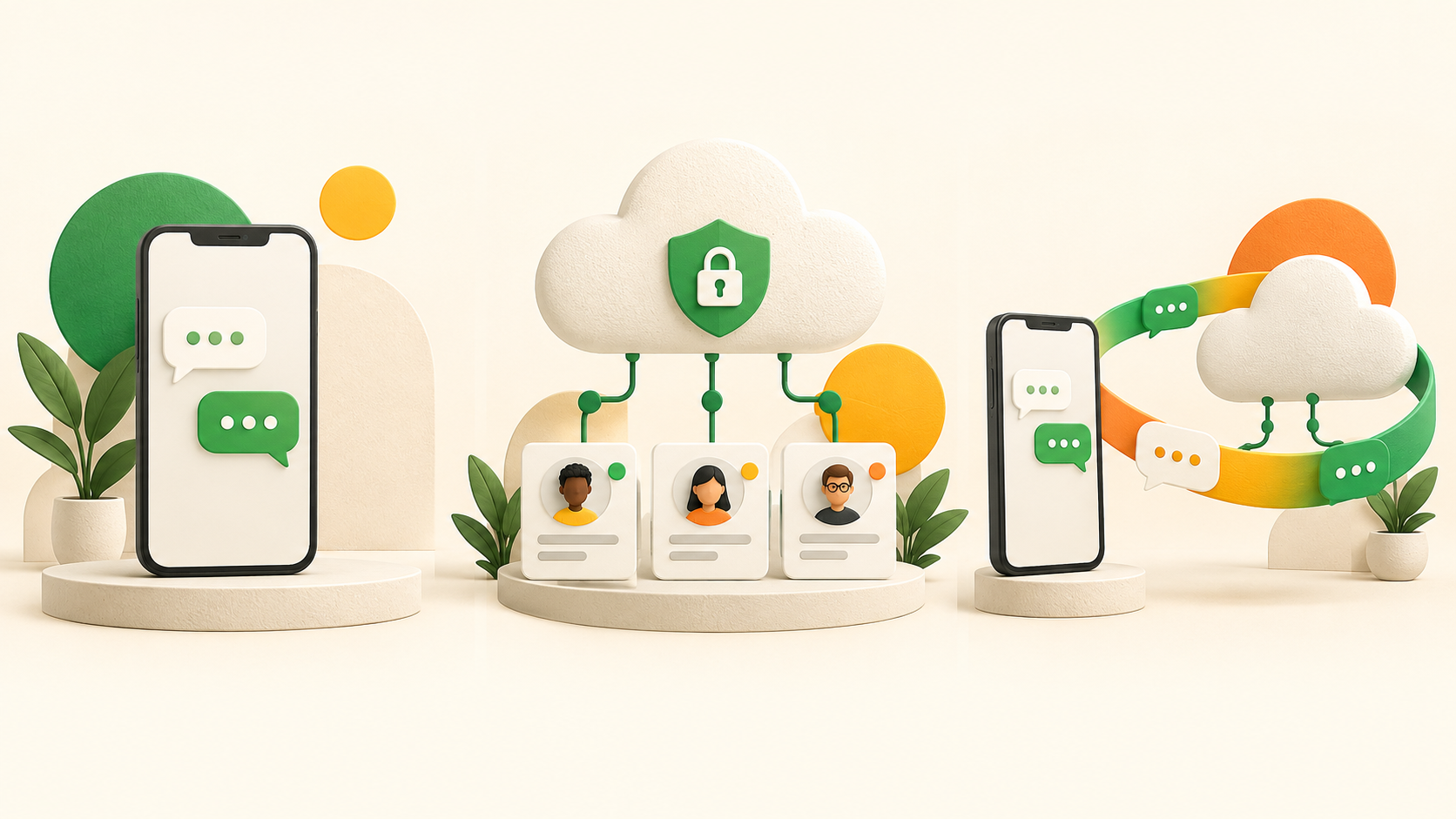
Availability depends on Meta eligibility, account configuration, provider support and current platform rules. Some message types or app features may behave differently after connection. Test the exact number, app workflow, message history, templates and agent process before making a production commitment.whatsapp decision path
How does the 24-hour service window affect the choice?
When a customer messages a business, a customer-service window opens. During that window, supported free-form replies can be sent under current WhatsApp rules. Outside the window, a business generally needs an approved template for a business-initiated message.The rule applies to platform messaging regardless of the inbox product. A good customer-engagement platform makes the state visible, prevents invalid sends and helps an agent select an approved template when re-engagement is required.
Business app, Cloud API or Coexistence: which should you choose?
YOUR SITUATION | RECOMMENDED STARTING POINT | WHY One person and low volume | Business app | Fastest setup with minimal overhead Multiple agents with routing and reporting | Cloud API plus shared inbox | Structured team operations AI, CRM or ecommerce integration | Cloud API plus connected platform | APIs and webhooks enable integration Must retain Business app use | Evaluate Coexistence | Supported app and platform operation together High-volume notifications or campaigns | Cloud API | Template management and delivery events
Migration and onboarding checklist
1. Inventory the current number, business portfolio, display name, linked devices, catalog use and critical workflows.2. Confirm Cloud API-only or Coexistence before starting Embedded Signup.3. Ensure the administrator can access the correct Meta business assets.4. Review history expectations; do not promise a complete historical mirror.5. Prepare templates for reminders, updates and re-engagement.6. Create teams, roles, queues and assignment rules.7. Verify webhooks, delivery statuses, duplicate protection and media.8. Test a real inbound and outbound conversation.9. Document credential recovery and incident escalation.
How WisperBot handles the three options
WisperBot is designed for the shared-inbox and automation layer around the WhatsApp Business Platform. It separates Cloud API-only onboarding from an existing WhatsApp Business app connection through Coexistence.After connection, eligible WisperBot workflows can bring messages into the Omni-Channel Inbox, assign conversations, manage templates, process supported media, use knowledge-grounded Smart Bots and hand a conversation to a human agent. Exact availability remains subject to Meta approval, account state and deployment configuration.
Security and reliability questions to ask any provider
• How are access tokens encrypted and rotated?• How are webhook signatures verified?• How does the platform prevent duplicate processing?• Can one workspace ever access another workspace's conversation?• What proves that a live message was received successfully?• How are failed sends and expired credentials surfaced?• Can an administrator review agent and automation actions?
Frequently asked questions
Is WhatsApp Cloud API a separate mobile app?
No. It is hosted infrastructure used by software platforms and custom applications. Agents work through the connected inbox or application.
Can multiple agents use one WhatsApp number?
Yes, but the method differs. The Business app uses linked-device rules. Cloud API platforms provide multi-agent access through roles, assignment and inbox interfaces.
Can I keep the WhatsApp Business app after connecting Cloud API?
Only through a supported Coexistence flow for eligible accounts. A standard Cloud API-only migration should not be assumed to preserve the previous app workflow.
Does Coexistence copy all old chats into a new inbox?
Do not assume a complete historical mirror. Synchronization behavior and available history depend on Meta's current coexistence capabilities and the connected provider implementation.
Do I need approved WhatsApp templates?
For many business-initiated messages outside the customer-service window, yes. Templates must comply with current Meta policies and be approved before use.
Which option supports AI customer service?
Cloud API connected to an AI-capable platform provides the most structured option. Coexistence may also support AI workflows through the connected platform, subject to eligibility and configuration.
Final recommendation
Use the WhatsApp Business app while simplicity is a real advantage. Move to Cloud API when team ownership, automation, integrations and measurable operations become necessary. Evaluate Coexistence when keeping the app is a genuine operational requirement—not merely a preference based on avoiding change.Before selecting any provider, run an end-to-end test: receive a real message, assign it, send media, cross the service-window boundary, use an approved template, trigger automation and hand the conversation to a person. That test reveals more than a feature list.