Free White Label AI Chatbot With Your Own Brand Tag
Use your own company name in the WisperBot chatbot tag, including on Free. Learn the branding scope, setup steps, and checks for a useful first pilot.
In this article
You finish your website, open the chat window, and find another company's name at the bottom. The colours match. The welcome message sounds right. That small tag still introduces someone else's brand.
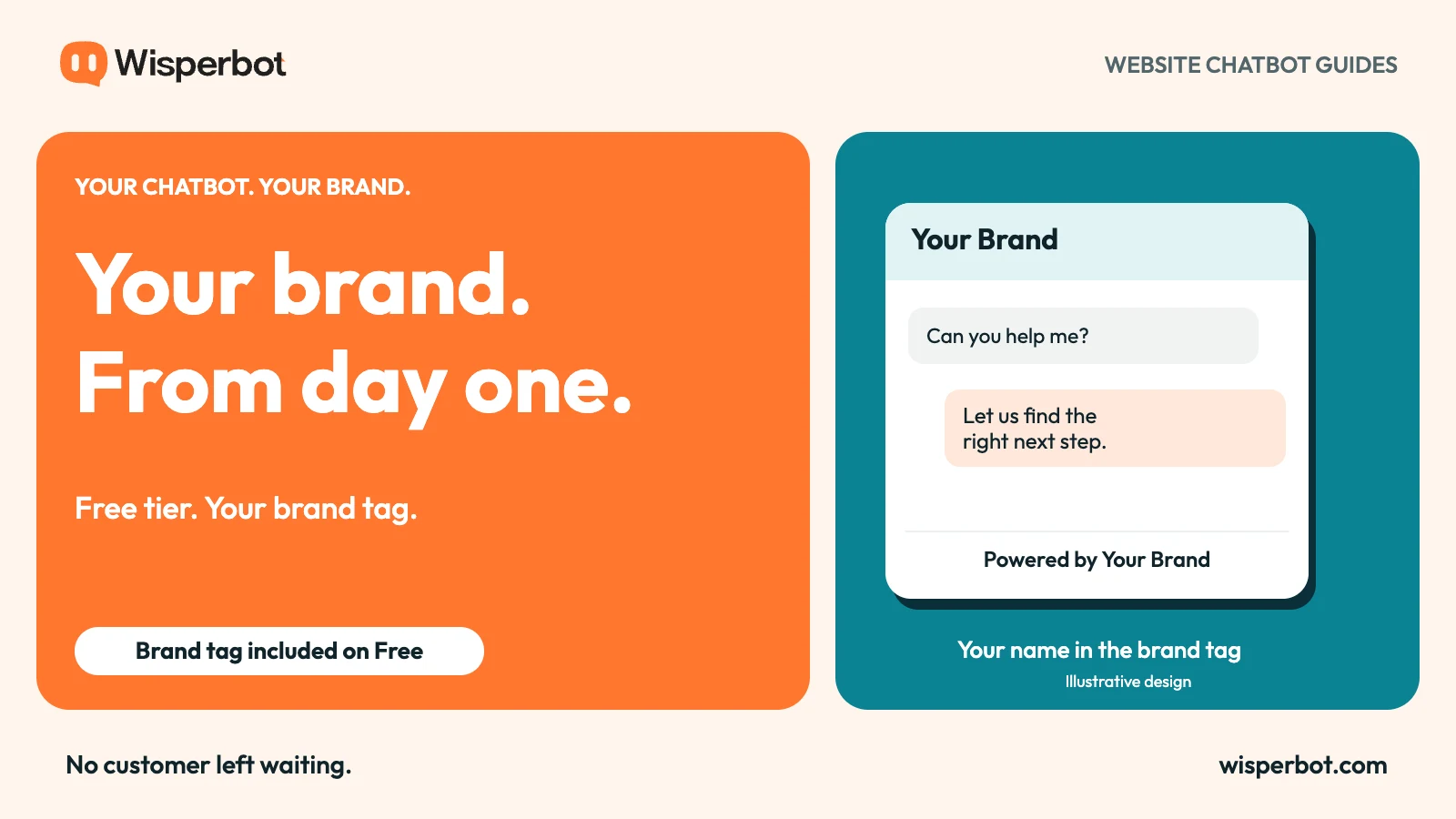
WisperBot lets you change the chatbot's footer company name on every tier, including Free. If you enter your business name, visitors see “Powered by Your Brand” instead of the default WisperBot name. You do not need to buy a higher plan just to make that text your own.
That is the specific meaning of free white-label chatbot branding in this guide: control over the company name in the website chatbot's brand tag. Custom launcher images, custom domains, and a fully rebranded software platform are separate features.
What a white-label chatbot should mean to a buyer
The phrase “white label” covers several different purchases. A shop owner may only want their name in the chat footer. An agency might need separate client workspaces. A reseller could want its own login domain and billing relationship.
Those are different requirements, even when a pricing page groups them under one label. Before comparing products, write down which visible surface you want to change and who will see it.
For a website visitor, the important surface is often the chat window itself. Does its header identify the business? Does its welcome message explain what help is available? Does the footer carry the business name?
WisperBot's free-tier brand-tag control addresses that last question directly. The standard “Powered by” wording stays; the company name is editable. This avoids paying for an entire reseller package when the immediate need is a branded customer conversation.
| Branding requirement | What it changes | How to assess it |
|---|---|---|
| Footer company name | The name after “Powered by” | Enter your name and inspect the live widget |
| Header and welcome copy | The introduction to the conversation | Read it as a first-time visitor |
| Custom launcher image | The icon that opens chat | Check the separate plan entitlement |
| Custom domain | The address used for a hosted service | Confirm availability independently |
| Rebranded admin platform | What staff or reseller clients see | Ask for the exact commercial scope |
Why the free tier is the right place to start
A free plan is where a small business decides whether a chatbot belongs on its website. That decision includes how the bot looks, how it answers, and how a person takes over.
If branding only becomes editable after upgrading, the first test cannot fully resemble the intended customer experience. The business either accepts the supplier's name during its pilot or pays before learning whether visitors find the bot useful.
An editable brand tag removes one part of that compromise. You can try a customer-facing experience under your own name while you check answer quality and usage.
Free access still has limits. AI capacity, team access, channels, and other features depend on the plan. A free brand tag does not turn those limits into unlimited use. It simply means the business name in the footer is not the reason you must upgrade.
Your name creates an obligation to answer well
A branded chatbot represents your business when it gets something wrong, too. Changing the footer should be followed by a careful review of the information behind the answers.
Start with the questions customers already ask. For an online shop, these might concern delivery areas, returns, sizing, or how to contact the team. For a service business, opening hours and enquiry steps may matter more.
Give the bot clear source material. If two policy pages disagree, correct them before adding both. If a price changes every week, decide how that source will stay current. A confident sentence is not evidence that the information is right.
WisperBot's Smart Bot setup separates business details, knowledge, and answer settings. Use those controls to define what it should answer and what should go to a person. The aim is a helpful first reply, followed by human help when the question needs it.
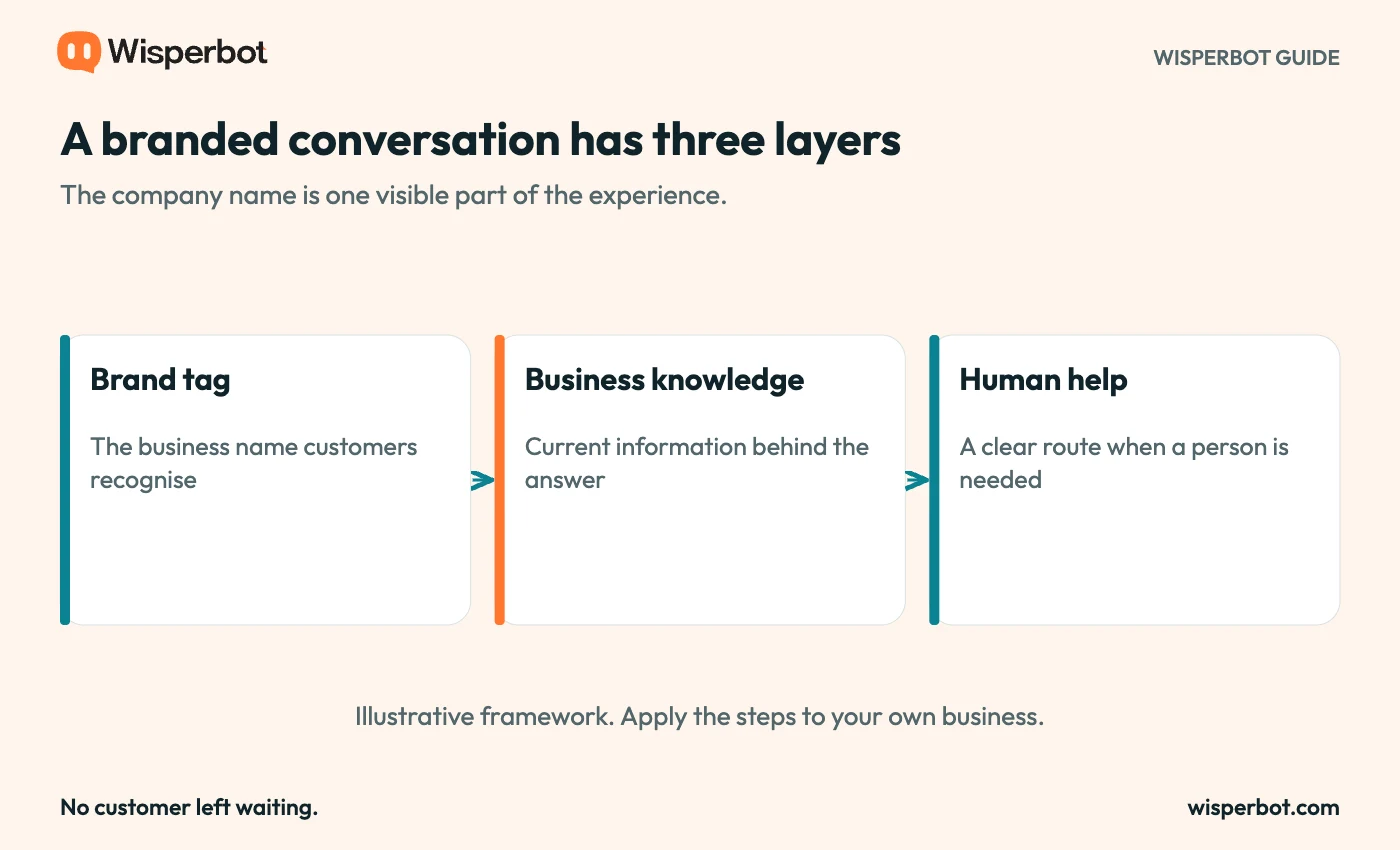
A branded experience has three parts: a recognisable introduction, useful business information, and a route to a person. Diagram is illustrative.
How to make the brand tag your own
In WisperBot, open Chatbot Widget, choose the widget you want to edit, and open Widget Setup. Under Appearance, find Footer company name. Enter the name you want customers to recognise, then save.
The widget presents that value after “Powered by”. A blank value falls back to WisperBot, so leaving the field empty is not a way to hide the line.
Use the public business name customers know. A short trading name is usually clearer than a long legal entity name, provided it is appropriate for your business. Keep legal identification and privacy information available where visitors expect them.
After saving, open a page containing the widget in a fresh browser session. Check the footer, open and close the chat, and view it on a phone. You are testing the customer-facing result, not just whether the form accepted the text.
A simple first-week evaluation
Pick a narrow job for the bot. “Answer delivery and return questions” is easier to evaluate than “handle all customer support”. Prepare a small question set that includes straightforward questions, incomplete requests, and questions it should not answer.
Read the replies for accuracy and usefulness. A correct policy pasted in full can still be an awkward answer to a simple question. Look for the next step a customer would need.
Then test the human route. Ask to speak with someone. Check what the visitor sees when nobody is available and what context the teammate receives. Avoid promising an immediate human response unless the team can provide one.
Keep notes on the questions that fail. Those notes are more useful than a vague judgement that the bot “sounds smart”. They tell you which source needs work, which instruction is unclear, and which issue belongs with a person.
Choose capacity when you need capacity
A sensible upgrade decision starts with actual usage. You might need more AI credits, more people answering chats, or features that support a larger operation. Those are practical reasons to consider another plan.
The company name in the chatbot footer should already be settled. With WisperBot, you can put your own name there on Free and judge the service on the conversations it helps you handle.
Start with the website chatbot, set your footer company name, and test the questions your customers ask most. For the wider evaluation, use the chatbot buying checklist.
Questions about free chatbot branding
Can I use my own company name on the Free plan?
Yes. WisperBot's footer company name is editable on every tier. The visitor-facing line becomes “Powered by” followed by the name you enter.
Does this remove the whole footer?
No. It changes the company name within the standard footer. It does not promise a hidden footer, custom domain, or rebranded admin dashboard.
Does white labeling guarantee better sales?
No. A consistent brand presentation is one part of the experience. Useful answers, relevant traffic, fair policies, and dependable human follow-up still determine what happens next.